UK
UK US
US EU
EU AUD
AUD Global


Setting Up Your First POS System: A Step-by-Step Guide
Setting up your first POS (Point of Sale) system can feel daunting—but with the right steps, it’s a smooth process that sets your business up for operational success. Whether you’re running a retail store, café, or service-based business, this guide walks you through the entire setup process, from hardware to training.
Why a POS System Matters
A modern POS system goes beyond simple transactions. It helps with:
-
Inventory management
-
Sales tracking
-
Customer data collection
-
Streamlined reporting
-
Faster checkouts
Choosing the right system and setting it up properly is key to maximizing these benefits.
Step 1: Assess Your Business Needs
Before purchasing a POS system, consider:
-
Type of business: Retail, restaurant, service, etc.
-
Number of locations or tills needed
-
Preferred payment methods
-
Need for integration with Magento, accounting software, or CRM
A well-matched system saves time and cost in the long run.
Step 2: Choose the Right POS Software
Look for POS software that:
-
Integrates with Magento for seamless eCommerce management
-
Offers real-time inventory syncing
-
Includes robust reporting and analytics
-
Supports promotions, refunds, and multi-channel selling
Tip: South West Systems offers industry-leading POS software tailored for various sectors. Contact us to find the right fit.
Step 3: Select Compatible POS Hardware
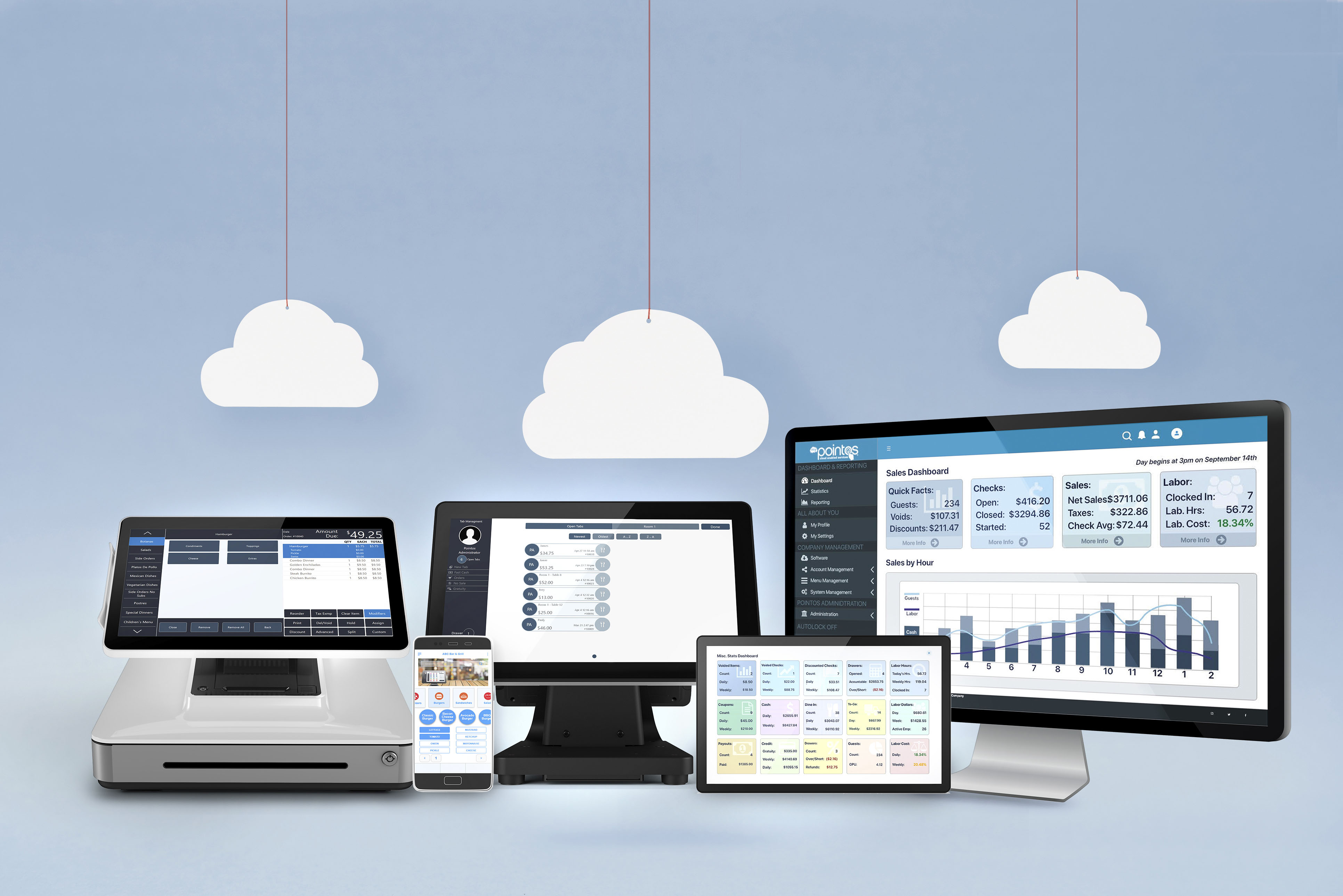
Key Hardware Components
-
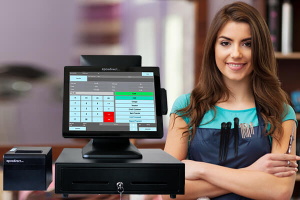
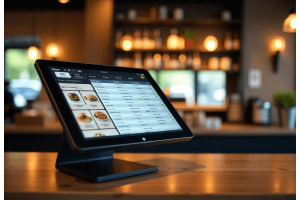
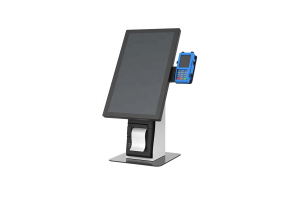
POS Terminal or tablet
-
Receipt Printer
-
Cash Drawer
-
Barcode Scanner
-
Customer Display
-
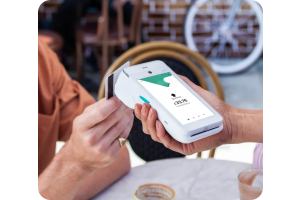
Card Payment Terminal
Ensure the hardware is compatible with your chosen software and can be easily upgraded in the future.
Step 4: Install & Configure Your POS System
Hardware Installation
-
Unbox and place hardware in ergonomic, accessible positions
-
Connect all components and power cables
-
Ensure all drivers are installed if using a computer-based system
Software Configuration
-
Install POS software
-
Set up products and inventory
-
Connect your payment provider
-
Configure tax, pricing, and user roles
-
Sync with your Magento store
Step 5: Train Your Staff
Even the best system fails if staff aren’t trained.
-
Provide hands-on demos
-
Create quick reference guides
-
Set up user logins with role-based access
-
Conduct test transactions and troubleshoot early
Step 6: Go Live and Monitor
Once testing is complete, you’re ready to launch.
-
Monitor sales and system performance daily in the first week
-
Collect staff and customer feedback
-
Adjust processes as needed
-
Back up data regularly
Need Help Setting Up Your POS System?
At South West Systems, we help businesses across the UK install and configure high-performance POS systems that integrate directly with Magento.
Telephone: 01392 275324
Email: info@southwestsystemsuk.com
Get in touch with our team
Final Thoughts
Setting up your first POS system doesn’t have to be overwhelming. With careful planning, the right tools, and expert support, your system will become the backbone of your retail or hospitality business.
Let South West Systems handle the technical side so you can focus on growing your brand.