UK
UK US
US EU
EU AUD
AUD Global

POS Hardware Checklist for New Business Owners
Starting a new business is an exciting journey, but it also comes with many decisions—one of the most important being how you'll handle sales transactions. Choosing the right Point of Sale (POS) hardware is crucial for ensuring seamless operations from day one.
This guide provides a comprehensive checklist of essential POS hardware to help new business owners like you get started with confidence.
Why POS Hardware Matters
A reliable POS system does more than just process payments. It:
-
Streamlines daily operations
-
Enhances customer experience
-
Tracks sales and inventory
-
Reduces human error
-
Supports business growth
Let’s break down the must-have components of a modern POS setup.
✅ Essential POS Hardware Checklist
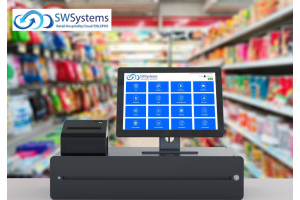
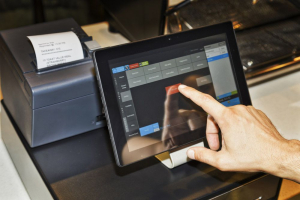
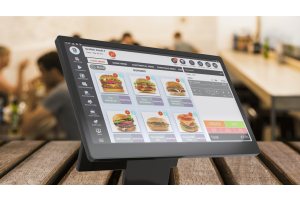
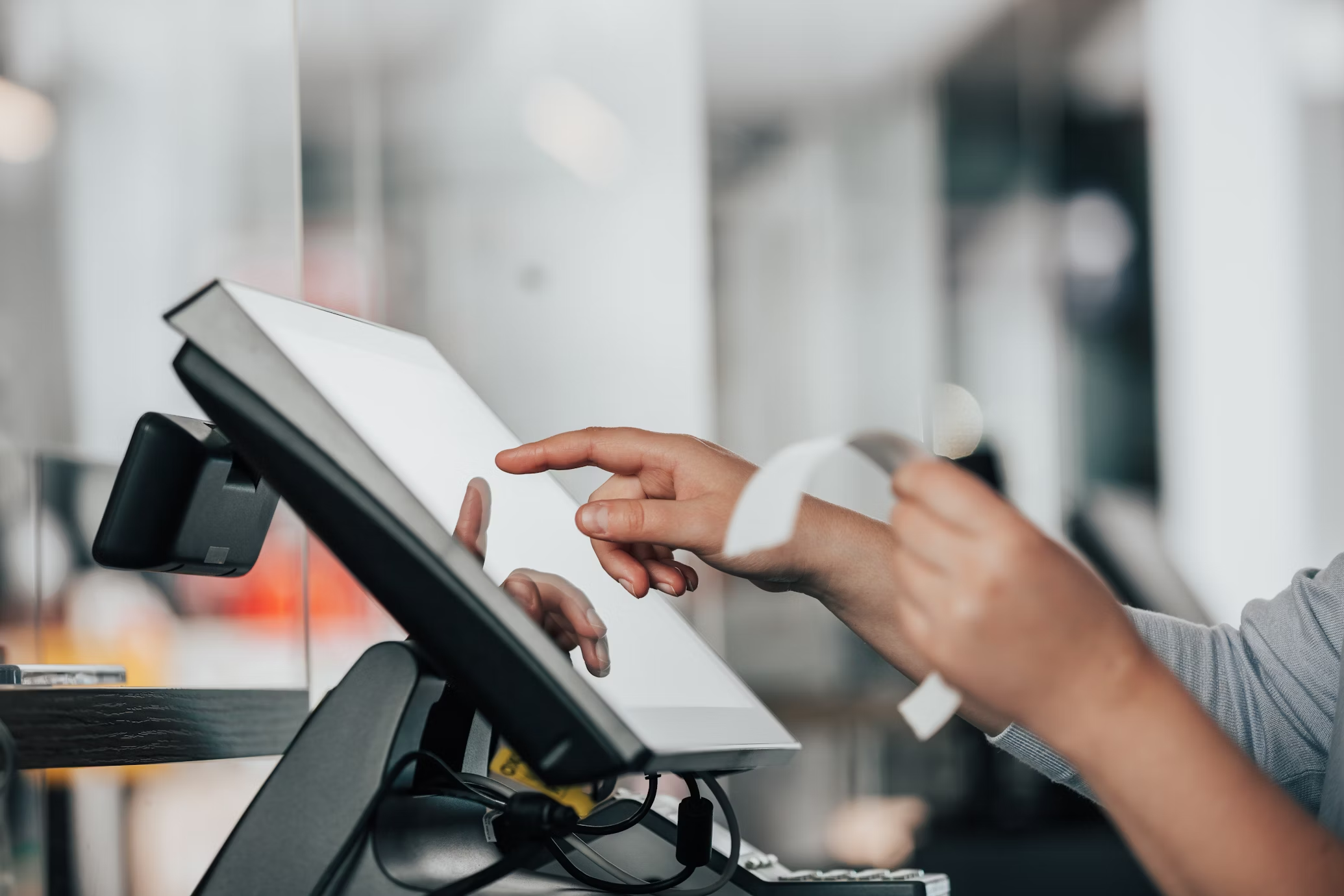
1. POS Terminal / Computer
The heart of your POS system. You can choose between:
-
All-in-One Touchscreen Terminals
-
Tablets with Stands (e.g., iPad-based systems)
-
Desktop PCs with POS Software Installed
Look for hardware that is compatible with your POS software and can handle daily usage without performance issues.
2. Receipt Printer
A fast, reliable printer is a must for issuing customer receipts. Consider:
-
Thermal printers for speed and quiet operation
-
Impact printers for kitchens or environments with heat/humidity
Tip: Make sure your printer supports your chosen POS software.
3. Cash Drawer
Even if you accept mostly card payments, a secure cash drawer is essential for handling cash and coin transactions. Look for:
-
Durable steel construction
-
Multiple coin/bill compartments
-
Integration with your receipt printer or POS terminal
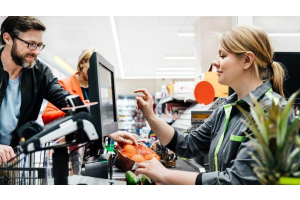
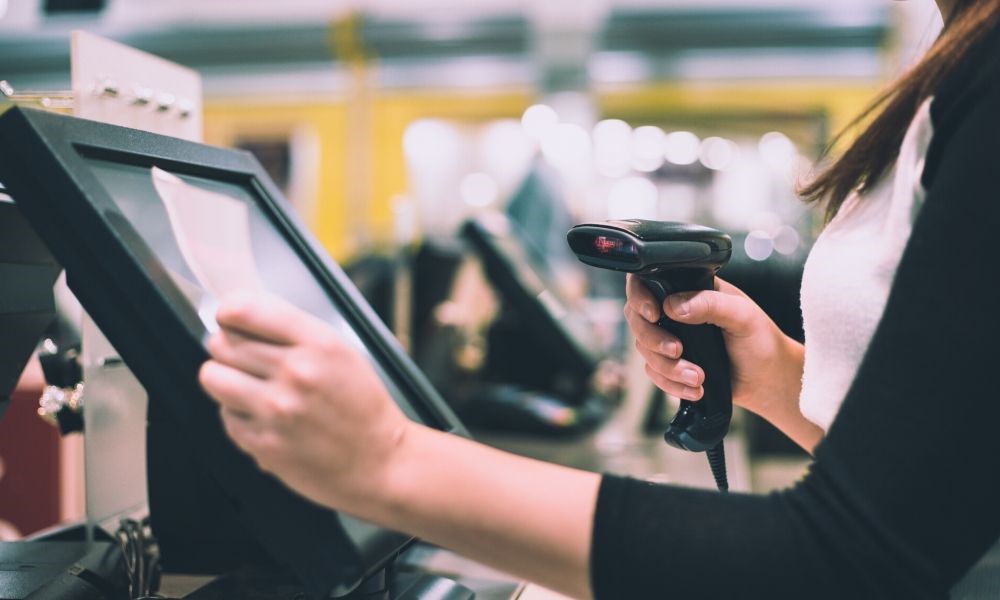
4. Barcode Scanner
Perfect for retail environments, barcode scanners speed up the checkout process and improve inventory accuracy.
Types to consider:
-
Handheld (corded or wireless)
-
Countertop presentation scanners
5. Card Reader / Payment Terminal
Accepting card and contactless payments is non-negotiable in today’s market. Opt for a terminal that supports:
-
EMV chip cards
-
NFC (Apple Pay, Google Pay)
-
Mobile wallet integration
6. Customer Display
A customer-facing screen improves transparency and builds trust by showing transaction details in real time.
7. Label Printer (Optional)
Ideal for businesses that manage inventory or sell products with barcodes. A label printer allows you to print price tags and SKU labels.
Choosing the Right POS Hardware Provider
Investing in the right POS hardware can be daunting, but you don’t have to do it alone.
South West Systems offers expert guidance and state-of-the-art POS solutions tailored for new and growing businesses.
Get Expert Advice
Have questions or need help choosing the right POS system?
Our team at South West Systems is here to support you.
Call us: 01392 275324
Email us: info@southwestsystemsuk.com
Contact us online: https://www.southwestsystemsuk.com/contact
Final Thoughts
Setting up your business with the right POS hardware will save you time, boost efficiency, and give you the tools you need to grow. Use this checklist to guide your setup and reach out to the experts if you need a helping hand.
Ready to streamline your sales?
Contact South West Systems today and get started with a custom POS solution that fits your business goals.