UK
UK US
US EU
EU AUD
AUD Global

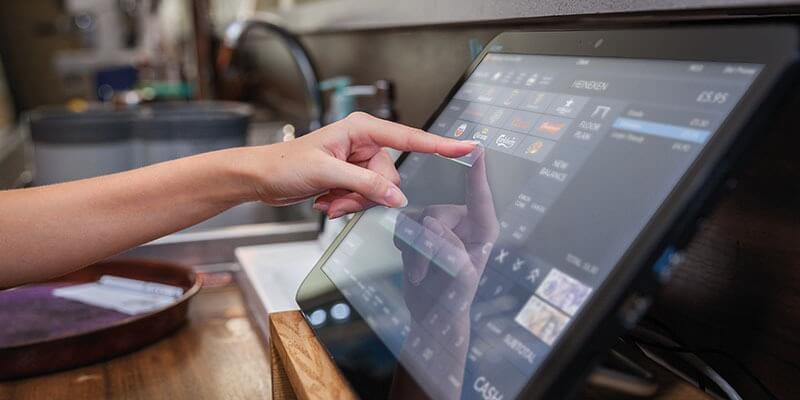
Setting Up Your First POS System: A Step-by-Step Guide in 2026
Stepping into the world of modern retail or hospitality requires more than just great products and enthusiastic staff—it demands a seamless, lightning-fast checkout experience. Whether you are opening your first storefront or upgrading an aging legacy till, implementing a state-of-the-art Point of Sale (POS) system combined with reliable card payment hardware is the single most important operational upgrade you can make this year.
At South West Systems, we help businesses across the UK streamline their sales, automate inventory, and accept payments effortlessly with industry-leading solutions like Dojo card machines and fully integrated POS systems.
Here is your comprehensive, step-by-step guide to setting up your first POS system to ensure peak performance from day one.
Step 1: Define Your Business Requirements and Hardware Needs
Before unboxing any hardware, take a strategic look at your daily operations. Different business models require different setups:
-
Retail Stores: Focus on barcode scanners, receipt printers, customer-facing displays, and robust inventory tracking.
-
Hospitality and Restaurants: Prioritize table-side ordering, kitchen ticket printing, split-bill capabilities, and splash-proof touchscreen terminals.
-
Mobile Businesses and Pop-ups: Rely heavily on lightweight, pocket-sized wireless payment terminals and cloud connectivity.
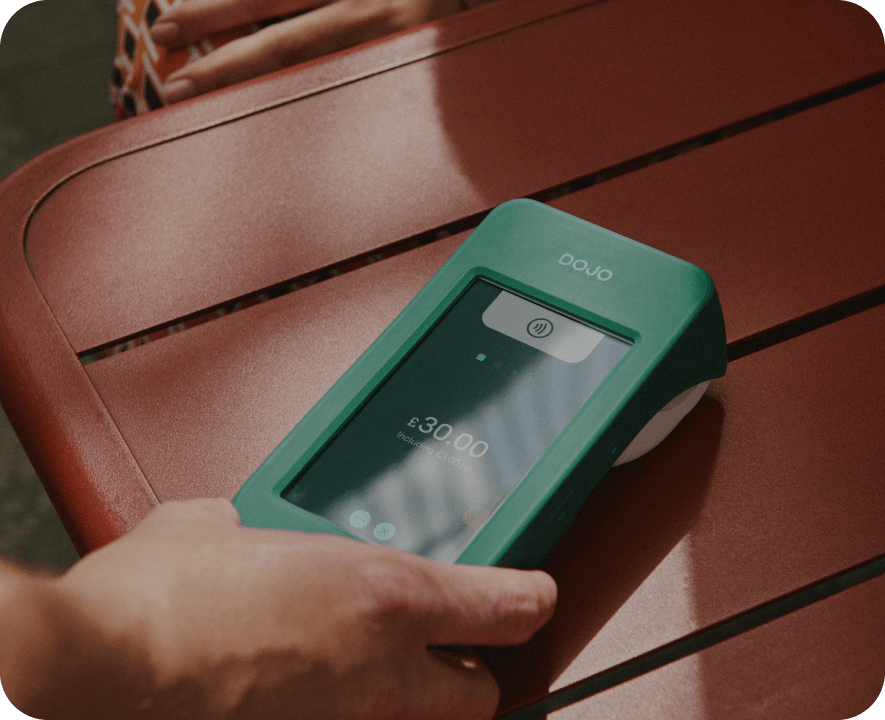
Pairing your hardware with high-performance card processing—such as a sleek Dojo card machine—ensures ultra-fast transaction speeds, next-day fund settlements, and robust security.
Step 2: Unbox, Connect, and Secure Your Network
Modern cloud-based POS hardware is designed for straightforward deployment, but a stable foundation is essential:
-
Power and Peripherals: Connect your main POS terminal, cash drawer, receipt printer, and card readers according to the manufacturer instructions.
-
Internet Connection: Because modern POS systems rely on cloud back-offices for real-time reporting, connect your hardware to a secure, high-speed broadband network or dedicated Wi-Fi. Having a reliable backup connection is always recommended to prevent downtime during peak trading hours.
-
Peripherals Pairing: Link your wireless card machines (like Dojo terminals) directly to your POS software via Wi-Fi or Bluetooth so transaction amounts transfer automatically, eliminating manual entry errors.
Step 3: Populate Your Inventory and Staff Profiles
A POS system is only as smart as the data you put into it. Setting up your digital catalog correctly saves countless hours down the line:
-
Product Import: Upload your inventory lists, categories, pricing, and tax rates. Many advanced systems allow bulk CSV imports to speed up the process.
-
Staff Permissions: Create individual profiles and assign security permission levels (e.g., manager overrides, standard cashier access, or restricted refund capabilities) to protect your business and monitor staff performance accurately.
-
Cloud Integration: Sync your new till system with cloud accounting software like Xero, QuickBooks, or Sage to automate your daily bookkeeping.
Step 4: Test Transactions and Train Your Team
Never launch a new system live without running rigorous test transactions first.
-
Test Every Payment Method: Process test sales using cash, contactless cards, chip-and-PIN, and mobile wallets (Apple Pay and Google Pay) through your card machine to verify that the software and hardware communicate seamlessly.
-
Simulate Refunds and Voids: Ensure your team knows how to handle returns, split bills, and daily cash-up procedures.
-
Staff Training: Host a practice session with your team so everyone feels confident navigating the touchscreen interface before your customers walk through the door.
Ready to Transform Your Checkout Experience?
Setting up your first POS system doesn't have to be complicated. With the right hardware, transparent card rates, and expert guidance from day one, your business can operate smarter, faster, and more profitably.
South West Systems is proud to supply industry-leading POS systems and market-leading Dojo card machines tailored to businesses of all sizes.
Get in touch with our expert team today to find the perfect setup for your business:
-
Telephone: 01392 275324
-
Email: sales@southwestsystemsuk.com
-
Contact Page: South West Systems Contact Us